Everything Chilltacular! does.
Take the tour, or jump straight to the download links if you'd rather just try it.
Track anything, in any category
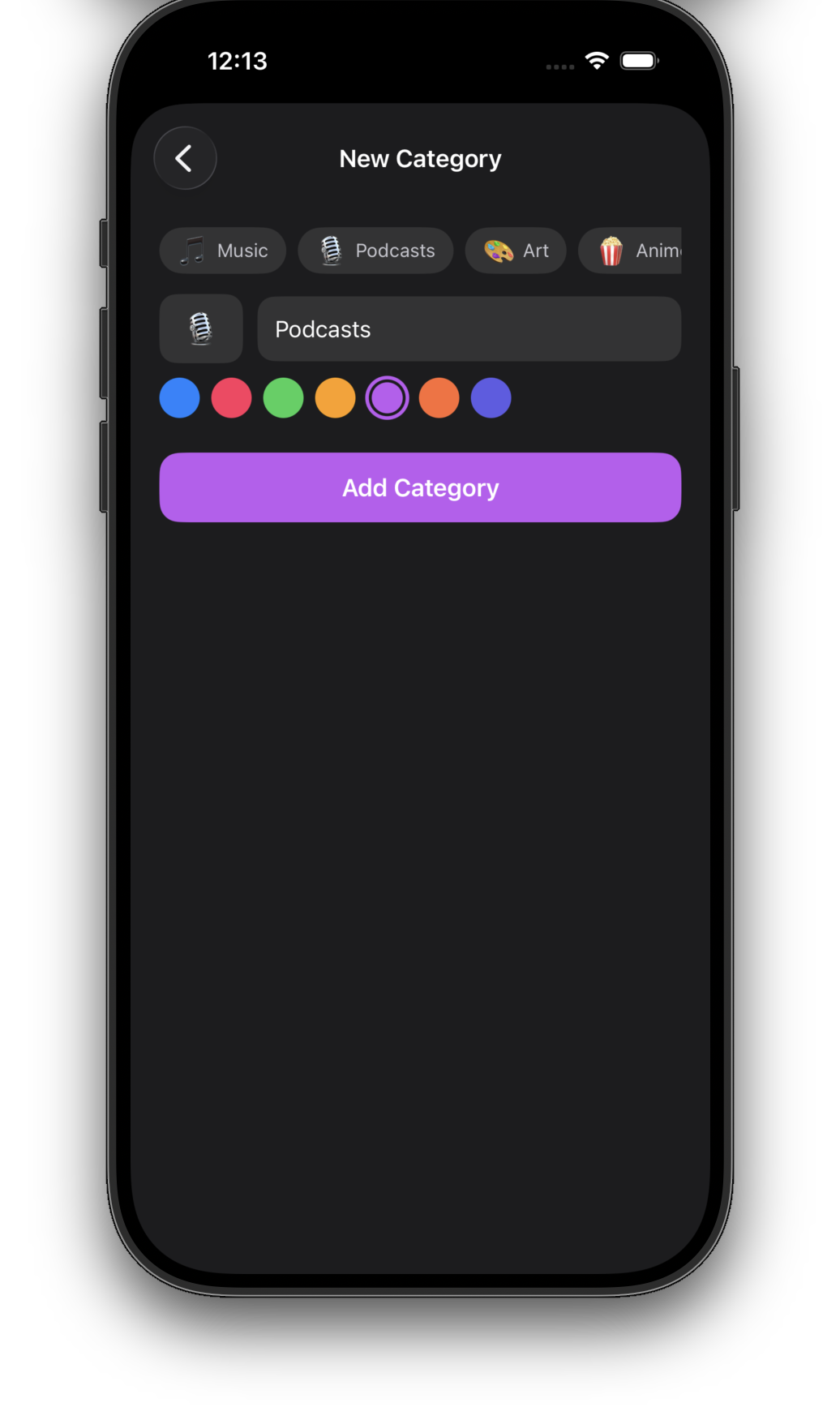
Out of the box: TV, Movies, Books, and Games. Beyond that, add as many custom categories as you want — each with its own icon and color.
Podcasts, comics, tabletop games, recipes, albums, documentaries — anything you want to keep tabs on. Categories scroll horizontally above your list. Tap one to filter.
A status flow that matches real life
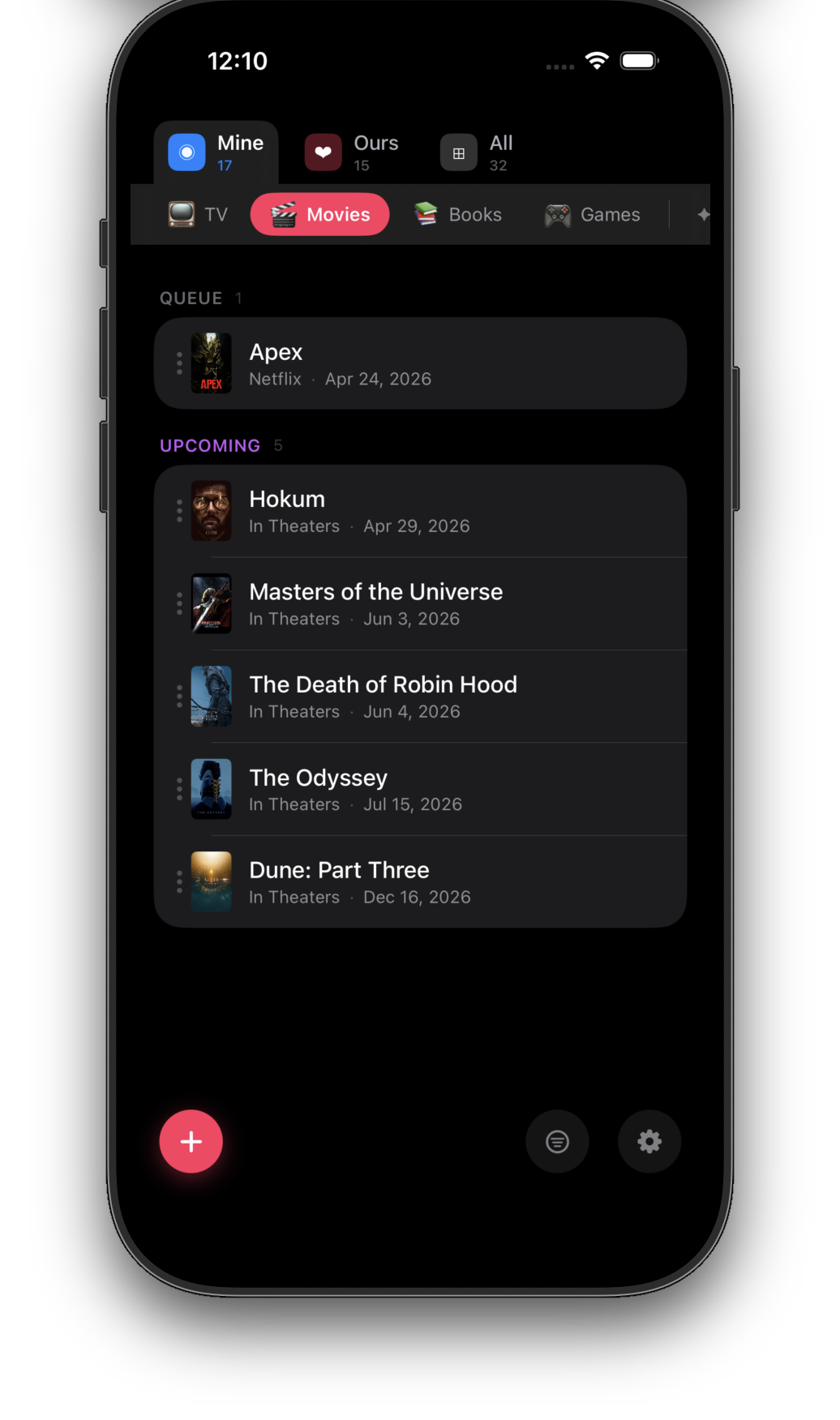
Every item lives in one of six states, organized into three sections you actually look at.
| Section | Status | Means |
|---|---|---|
| Active | Active | You're watching, reading, or playing it right now. |
| Queue | Queue | Up next — you've decided you want to get to it. |
| Upcoming | Upcoming | Hasn't been released yet. Auto-promotes to Queue on release. |
| History | Tried | You started it and put it down. |
| History | Skipped | You decided it wasn't for you. |
| History | Finished | Done. Onto the next thing. |
The History section stays tucked away by default — your past doesn't need to clutter your present. Tap to expand it whenever you want to look back.
Drag and drop to change status
Tap and hold any item to "pick it up" — it lifts off the list. Then drop it on one of the section targets that appears at the top and bottom of the screen. No menus, no edit modes, no cognitive overhead.
"Upcoming" is the part nobody else gets right
Add a release date to anything that isn't out yet. Dune: Part Three in December. The next Brandon Sanderson sometime in 2027. Hollow Knight: Silksong whenever Team Cherry feels like it.
Those items live in the Upcoming section. The day a release date arrives, the item slides automatically into your Queue, ready to go. You don't have to do anything. You don't have to remember.
It's the calendar feature you've always wanted for the stuff you actually care about.
Collections — solo and shared
Your default collection is called Mine. It's just yours.
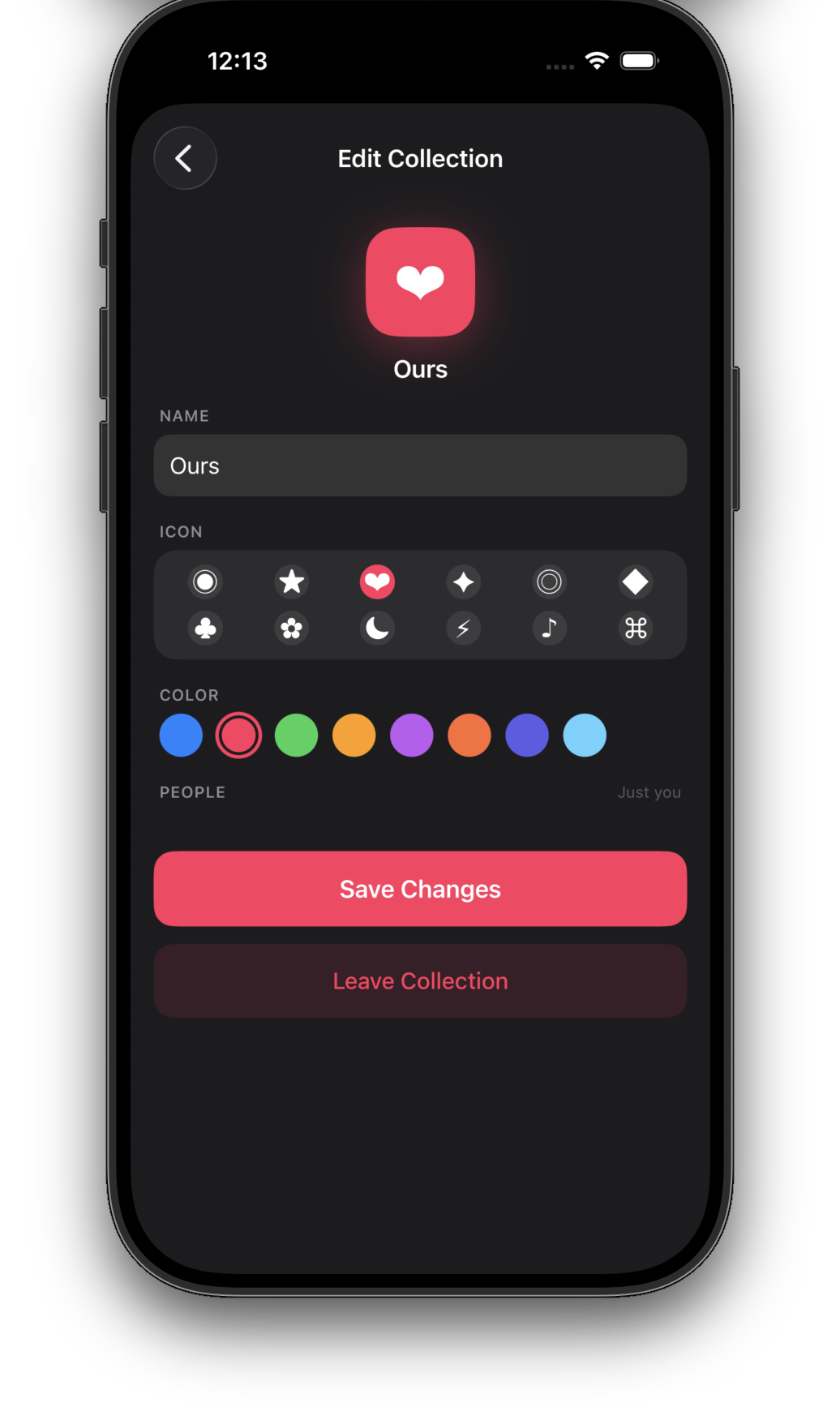
You can also make shared collections — pick a name, an icon, a color, and invite people from your contacts. They get a Messages invite; once they accept, every change either of you makes shows up on the other person's device in real time.
Switch between Mine, Ours, and All at the top of the screen with a tap.
Perfect for:
- You and your partner — Date Night, Books We're Both Reading
- Your group chat — Movie Night Picks
- Your family — Stuff to Watch on the Trip
- Your D&D group — Modules to Run Next
Sources, tied to category
Where can you actually watch, read, or play this thing? Chilltacular! tracks that too. Each category has its own list of sources, with sensible defaults:
- TV — Apple TV, Netflix, Max, Hulu, Disney+, Prime Video…
- Movies — In Theaters, Apple TV, Netflix, Max…
- Books — Amazon, Barnes & Noble, Audible, Library, Kindle…
- Games — Steam, Epic, Xbox, PlayStation, Switch…
Add your own. Edit any of them. Or skip the source entirely — it's optional on every item.
Smart, automatic metadata
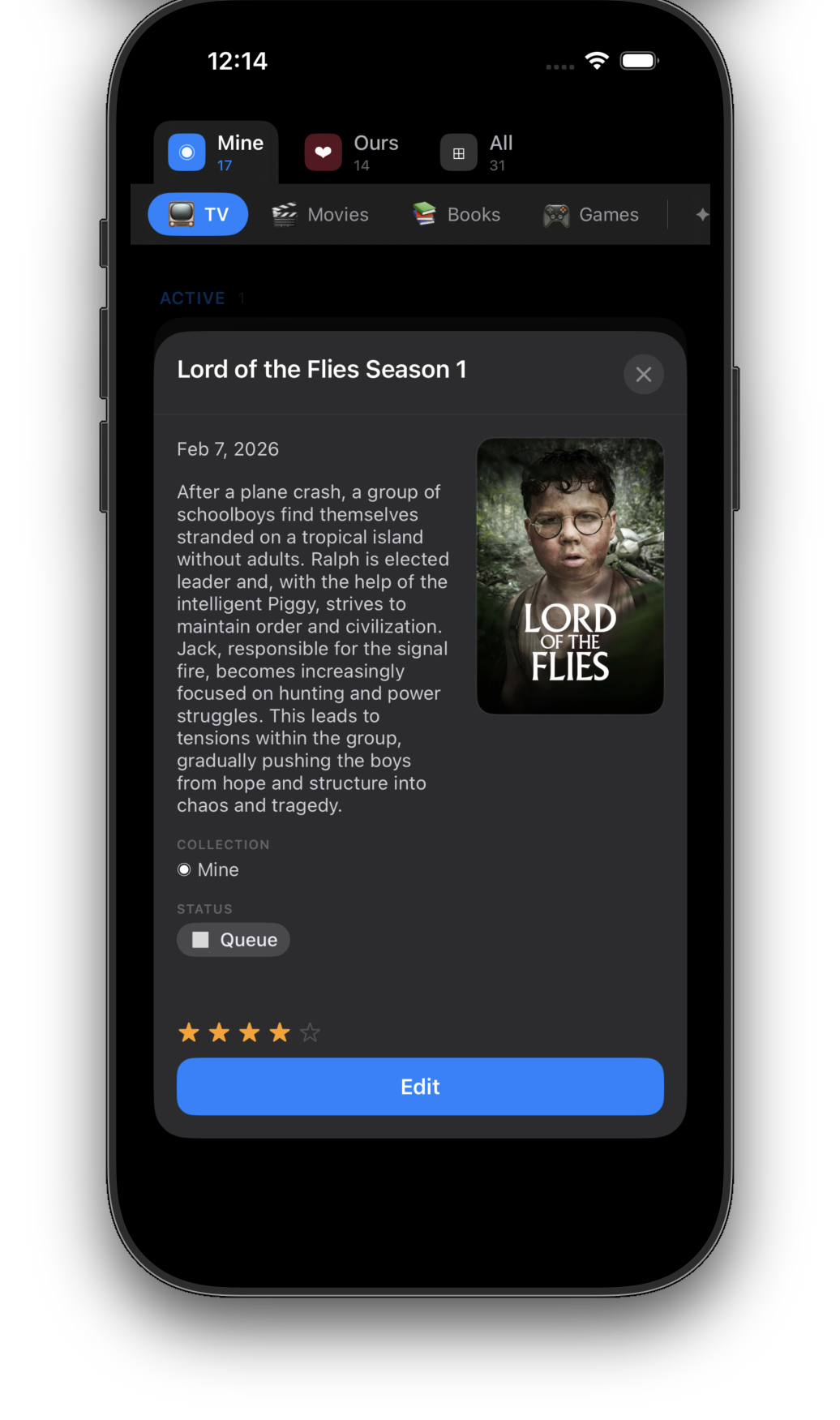
You don't have to type much. Add an item with just a name, and Chilltacular! quietly looks up the official release date, cover art, description, average rating, and a link for more info.
You'll see suggested matches when you open an item to edit it — tap one to fill everything in, or just keep what you have. Nothing changes without your say-so.
Run an update sweep whenever you feel like it. Chilltacular! refreshes ratings, fixes missing cover art, and picks up release-date changes — but never touches things you've marked Finished or Skipped.
Add things in two seconds, from anywhere
The fastest way to add something to a watchlist is to never have to open the watchlist app.
From the iOS Share Sheet
Watching a trailer in YouTube? Browsing IMDb? Looking at a game on Steam? Hit the share button, pick Chilltacular!, and the link becomes a tracked item — title, cover art, and all.
With Siri
"Hey Siri, add Dune Part Three to my list." That's the whole interaction.
With the iOS Shortcuts app
Build your own automations — log a finished episode, sweep release dates weekly, anything you can dream up. Chilltacular! exposes its actions to the Shortcuts app so you can wire it into your routines.
Filters and search
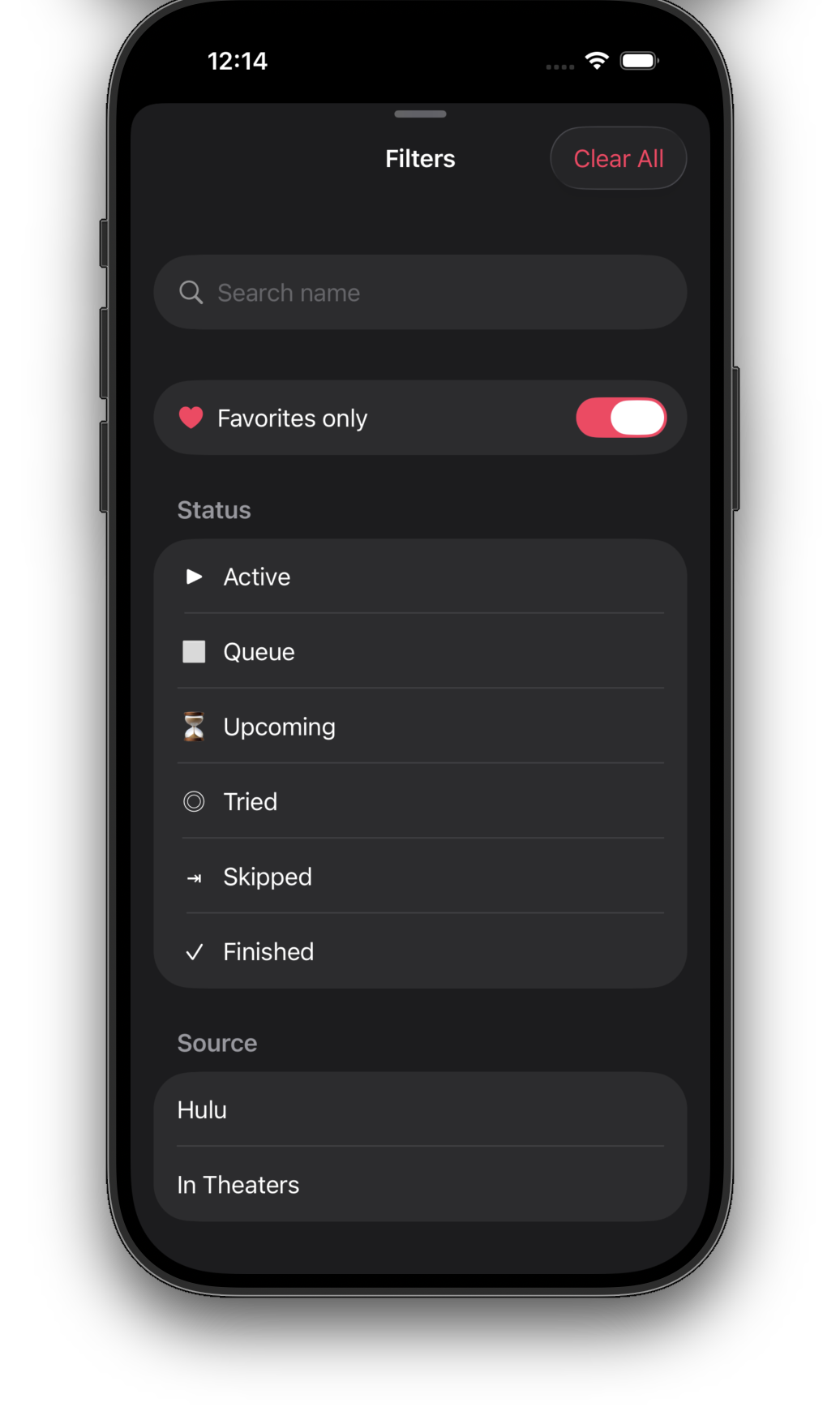
When your list gets long, the Filters sheet helps you find anything fast:
- Search by name — type a few letters
- Favorites only — see just the items you've starred
- By status — Active, Queue, Upcoming, Tried, Skipped, Finished
- By source — only stuff on Hulu, only stuff in Theaters
A real Mac app. A real iPad app.
Chilltacular! is a universal Apple app — one purchase covers iPhone, iPad, and Mac. Not just the iPhone version stretched to fit a bigger screen.
iPhone
One-handed, in line, in bed. Designed for the way you actually use your phone.
iPad
Roomier layouts. Collections, list, and detail can live side-by-side.
Mac
A native Mac app: keyboard shortcuts, menu bar commands, the whole feel.
Privacy you can verify
Chilltacular! syncs through your iCloud account, using Apple's CloudKit. Concretely:
- There is no Chilltacular! account. You don't make a password.
- Your list lives in your iCloud, not on a LittleBlueBug server.
- Shared collections sync through Apple's CloudKit sharing — we never see who you share with.
- Metadata lookups go to a small public API and contain only what's needed to find a match — never your list contents.
Your watchlist is yours. Full stop.
Built for the platform
Under the hood, Chilltacular! uses:
- SwiftData for fast, modern local storage
- CloudKit for sync that just works on Apple devices
- App Intents so Siri and Shortcuts feel native
- App Groups so the Share Extension and the main app stay perfectly in sync
Download Chilltacular!
One purchase covers iPhone, iPad, and Mac. Coming soon to the App Store.
Want to know when it ships? Keep an eye on the development blog.